Enterprise-Grade Screen Recording

Transform Any PC Into a Security Camera

Professional screen capture solution that integrates seamlessly with your existing NVR/DVR system. Monitor, record, and audit every transaction at your POS terminals.

Download Free
10K+
Active Installations
99.9%
Uptime Reliability
50+
Countries
RTSP Stream Active

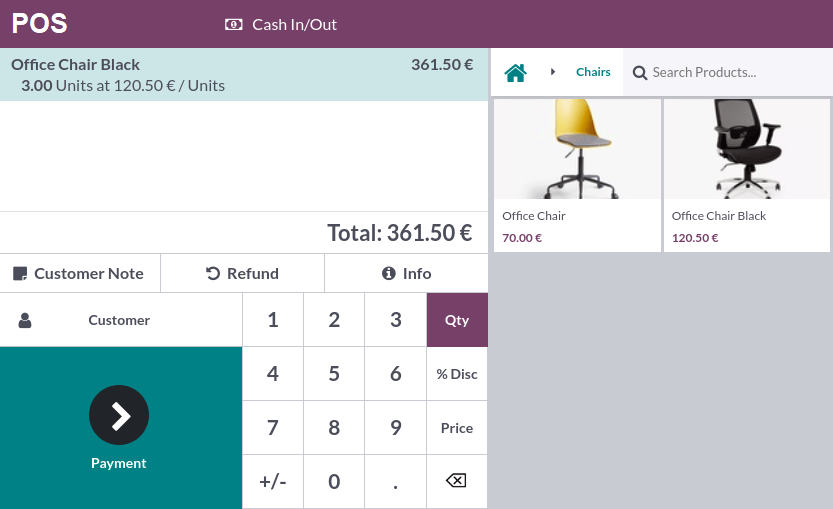
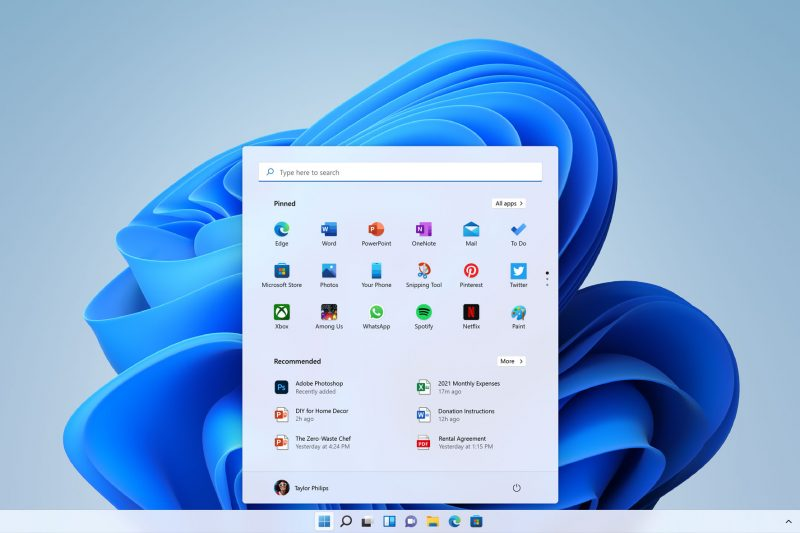
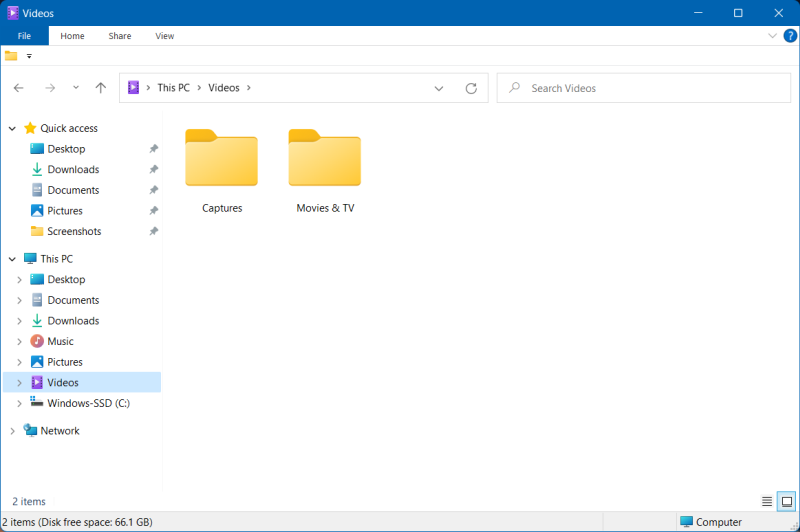
POS Terminal Cash Register Retail Store Payment Terminal Store Checkout Desktop Screenshot 1 Desktop Screenshot 2 Desktop Screenshot 3 Desktop Screenshot 4 Desktop Screenshot 5
CH-01 POS Terminal
NVR Connected
Recording
Powerful Features

Everything You Need for Complete Visibility

Built for businesses that demand security, reliability, and seamless integration with existing surveillance infrastructure.

NVR/DVR Integration

Works with Hikvision, Dahua, and any ONVIF-compatible system. Appears as a standard IP camera in your existing setup.

Zero Licensing Fees

One-time installation with no monthly subscriptions. Replace expensive per-seat licenses with our free solution.

Silent Operation

Runs invisibly in the background. Employees can't disable it without administrator credentials.

Auto-Recovery

Built-in watchdog automatically restarts the service if terminated. Guaranteed continuous recording.

Low Resource Usage

Optimized H.264 encoding uses minimal CPU. Won't slow down your POS operations.

Multi-Session Support

Works with Windows standard sessions, kiosk mode, and custom shells. Perfect for any deployment.

Simple Setup

Up and Running in Minutes

No complex configuration needed. Install, configure your IP, and start recording.

1

Install

Run the installer on any Windows PC. Set your admin password for security.

2

Configure

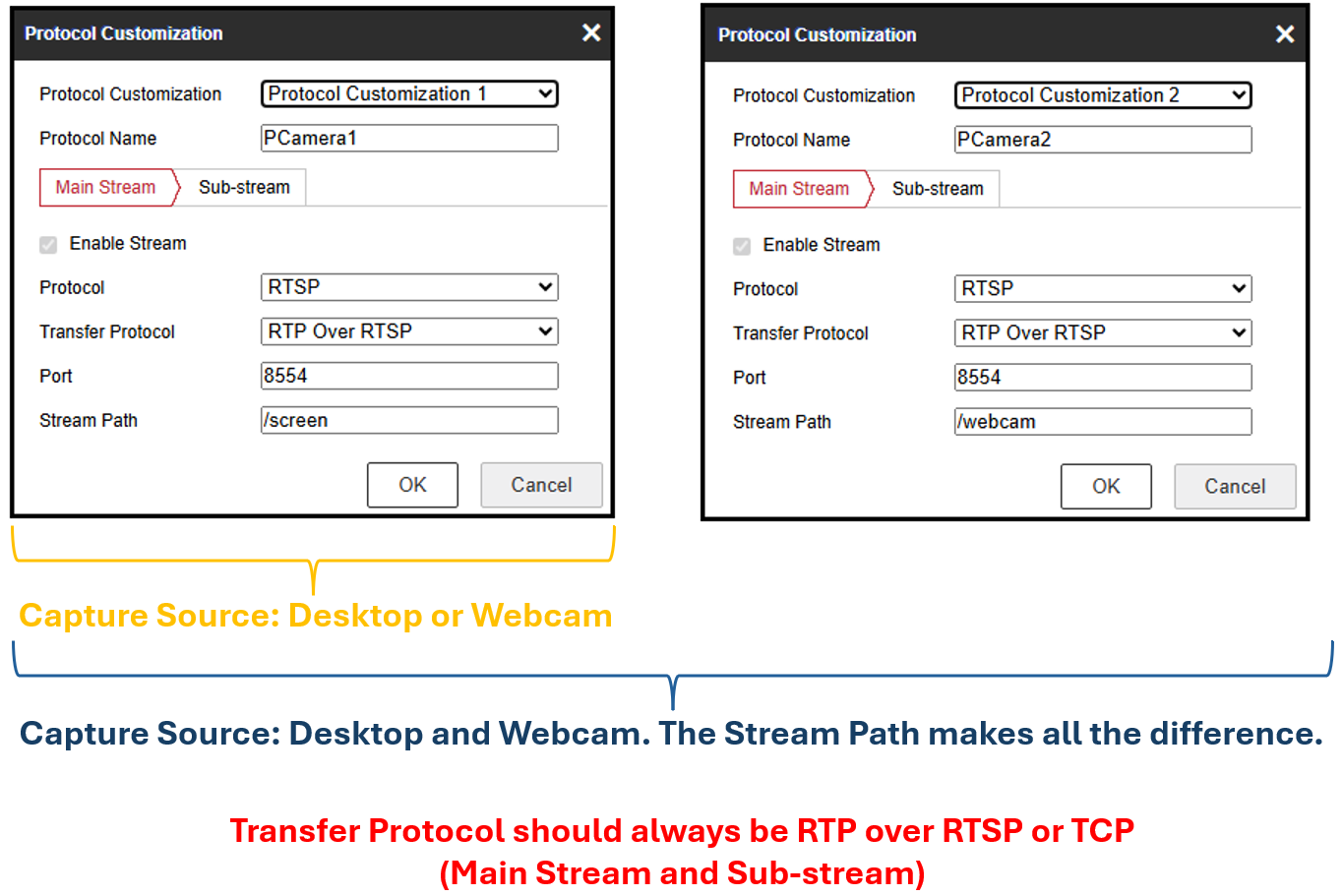
Choose capture source (Desktop, Webcam, or Both) and recording destination (NVR, Local Disk, or Both).

3

Connect

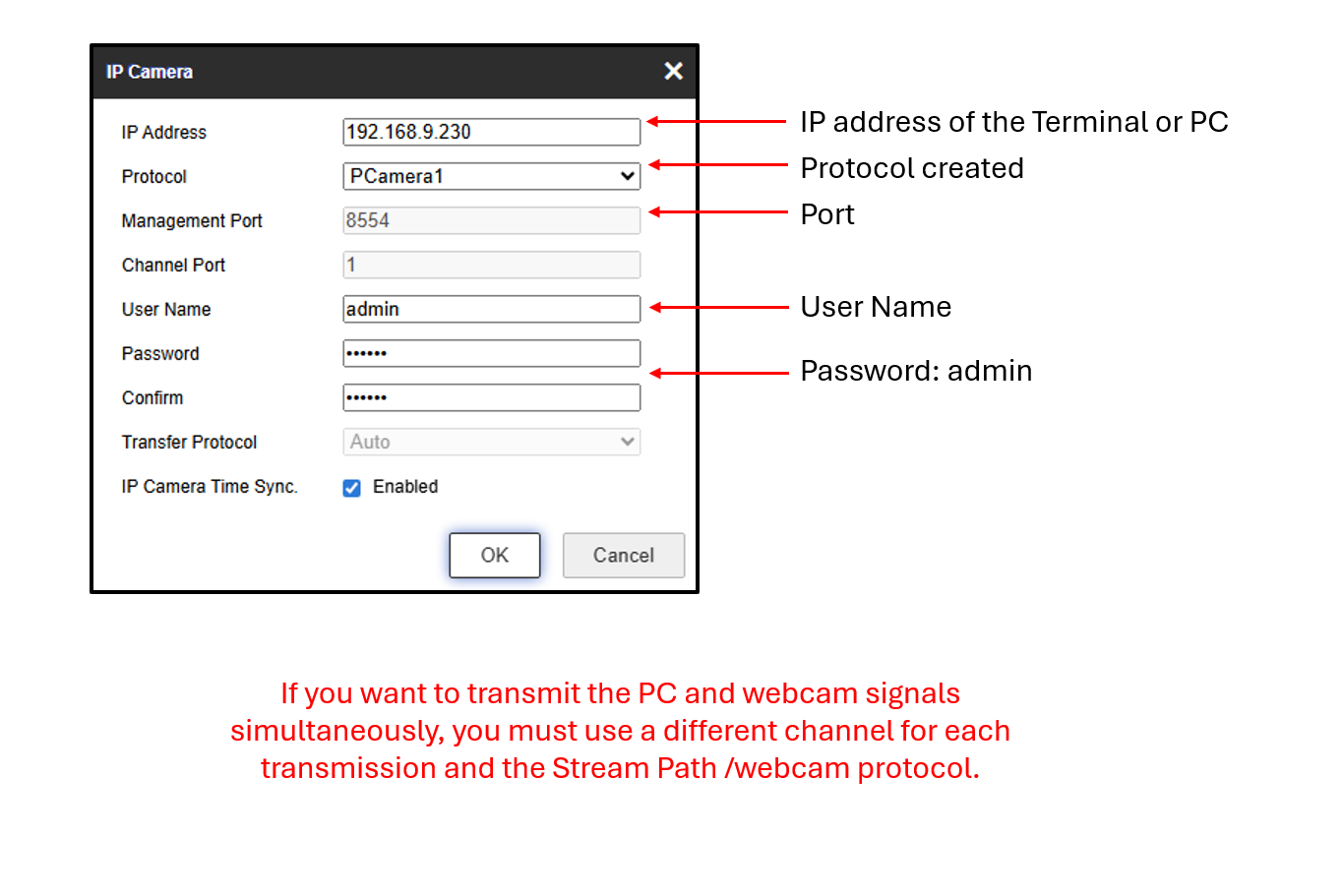
Add RTSP streams to your NVR: /screen for desktop and /webcam for camera. Port 8554, TCP protocol.

4

Monitor

View live screens and recordings alongside your security cameras. Access local recordings anytime.

Industry Solutions

Perfect For Every Business

Retail & POS

Monitor cashier transactions, prevent fraud, and resolve disputes with video evidence.

Banking & Finance

Record teller workstations for compliance and audit trail documentation.

Healthcare

Monitor patient registration and pharmacy dispensing stations.

Warehouses

Track inventory management screens and shipping label creation.

Call Centers

Record agent screens for quality assurance and training purposes.

Manufacturing

Monitor production control stations and quality inspection systems.

Why PCamera?

Compare With Traditional Solutions

Feature PCamera Others
NVR Integration Native RTSP Separate System
Monthly Cost $0 $10-50/seat
Auto-Recovery Built-in Manual Restart
Tamper Protection Password Protected Easily Stopped
Resource Usage < 5% CPU 15-30% CPU
Setup Time 5 Minutes 30+ Minutes
Dual Recording NVR + Local Single destination
Webcam + Screen 2 RTSP Channels Not available
Simple Pricing

Free Forever, No Hidden Costs

PCamera is completely free for commercial use. No subscriptions, no per-seat licensing.

Enterprise

Custom
quote

For large deployments

  • Everything in Community
  • Priority support
  • Custom deployment
  • On-site installation
  • SLA guarantee
Contact Sales
Customer Stories

What Our Customers Say About Us

"PCamera saved us over $500/month in licensing fees. It integrates perfectly with our Hikvision NVR and the video quality is excellent."

MC

Michael Chen

IT Director, RetailMax

"We deployed PCamera across 45 POS terminals in one afternoon. The tamper protection gives us peace of mind that employees can't disable recording."

SJ

Sarah Johnson

Operations Manager, QuickMart

"The auto-recovery feature is a game-changer. Even when our systems restart, PCamera automatically resumes recording without any intervention."

DR

David Rodriguez

Security Consultant
Got Questions?

Frequently Asked Questions

PCamera works with any NVR/DVR that supports RTSP streams, including Hikvision, Dahua, Uniview, and generic ONVIF-compatible systems.

No. PCamera is highly optimized and typically uses less than 5% CPU with hardware encoding. It won't affect your POS performance.

No. PCamera runs as a protected service with password protection. Even if the process is terminated, the watchdog automatically restarts it within seconds.

Yes! PCamera Community Edition is 100% free for commercial use with no limitations. Enterprise support is available for organizations needing priority assistance.

PCamera captures at 1080p resolution with 15 FPS by default, using efficient H.264 encoding. Quality is comparable to 2MP IP cameras.

Yes! PCamera works with standard Windows sessions, kiosk mode, and even custom shells like Electron-based kiosks.

Yes! PCamera supports dual recording. Stream to your NVR while simultaneously saving to local disk with scheduled recording, automatic file rotation, and storage management.

Yes! With Dual Capture mode, PCamera creates two independent RTSP streams: /screen for desktop capture and /webcam for the camera. Add both channels to your NVR for complete operator monitoring.

Our Story

Built by IT Professionals For IT Professionals

PCamera was born from a simple frustration: expensive per-seat licensing for screen recording software that didn't even integrate with existing surveillance systems.

Our team of IT professionals and security experts built PCamera to solve this problem. We created a solution that treats screen captures like any other security camera feed, seamlessly integrating with your NVR infrastructure.

Today, PCamera protects thousands of POS terminals, workstations, and kiosks worldwide, providing businesses with the visibility they need without the recurring costs.

Security First

Every feature is designed with security in mind, from tamper protection to encrypted configuration.

Integration Focus

We believe screen recording should work with your existing systems, not require separate infrastructure.

Cost Efficiency

Enterprise-grade features shouldn't come with enterprise pricing. Our community edition is free forever.

Get In Touch

Let's Start a Conversation

Have questions about deployment? Need enterprise support? We're here to help.

Contact Information

Reach out to us through any of these channels.

Phone

+1 (868) 3166593

Business Hours

Mon - Fri: 9AM - 6PM EST